
To find out whether your newsletter helps your business, track what readers actually do next: reply with a real question, request help, book a conversation, or buy. Keep opens and clicks as supporting signals. They cannot, by themselves, tell you whether the time you spend writing is paying off.
That distinction matters when you run a small business. You can spend an afternoon polishing an email, see encouraging numbers, and still have no idea what to send next—or whether to keep sending at all. A useful measurement system should help you make that decision.
Why can’t I just trust the open rate?
An email open is a tracking event, not proof someone read your message. Apple explains that Mail Privacy Protection downloads remote content in the background, regardless of whether someone engages with the email. That can trigger the tracking used to record an open.
Clicks also need context. Mailchimp documents how antivirus scans and other automated activity can inflate opens and clicks. Its filtering identifies most bot activity, which is a useful improvement—not a guarantee that every remaining event came from an interested buyer.
Check which filters your email platform offers and whether they are enabled. Record any setting changes alongside your results. Otherwise, you might mistake a cleaner report for a sudden loss of interest.
This is also a reason to review automations that resend to non-openers or remove supposedly inactive subscribers. An open record alone is a weak basis for deciding who wants to hear from you.
Choose the business outcome before you write
For a service business, a newsletter might help someone recognize a problem and start a conversation. For a retailer, it might lead to a purchase. For an educational newsletter, a thoughtful reply may be a useful early result even when a sale takes months.
Choose one primary outcome for the next few sends. Then keep a small scorecard:
| Measure | What to record | How to use it |
|---|---|---|
| Delivery health | Delivered messages, bounces, unsubscribes, and reported complaints | Spot changes that deserve investigation. |
| Filtered clicks | Unique clickers, with the filtering setting noted | See which links attract activity; verify the next action. |
| Meaningful replies | People asking substantive questions or sharing relevant needs | Learn what readers care about. |
| Qualified inquiries | People whose needs fit your service and who want to discuss help | Judge whether the email starts useful sales conversations. |
| Business results | Completed calls, new customers, and actual sales value | Assess commercial value over your normal sales cycle. |
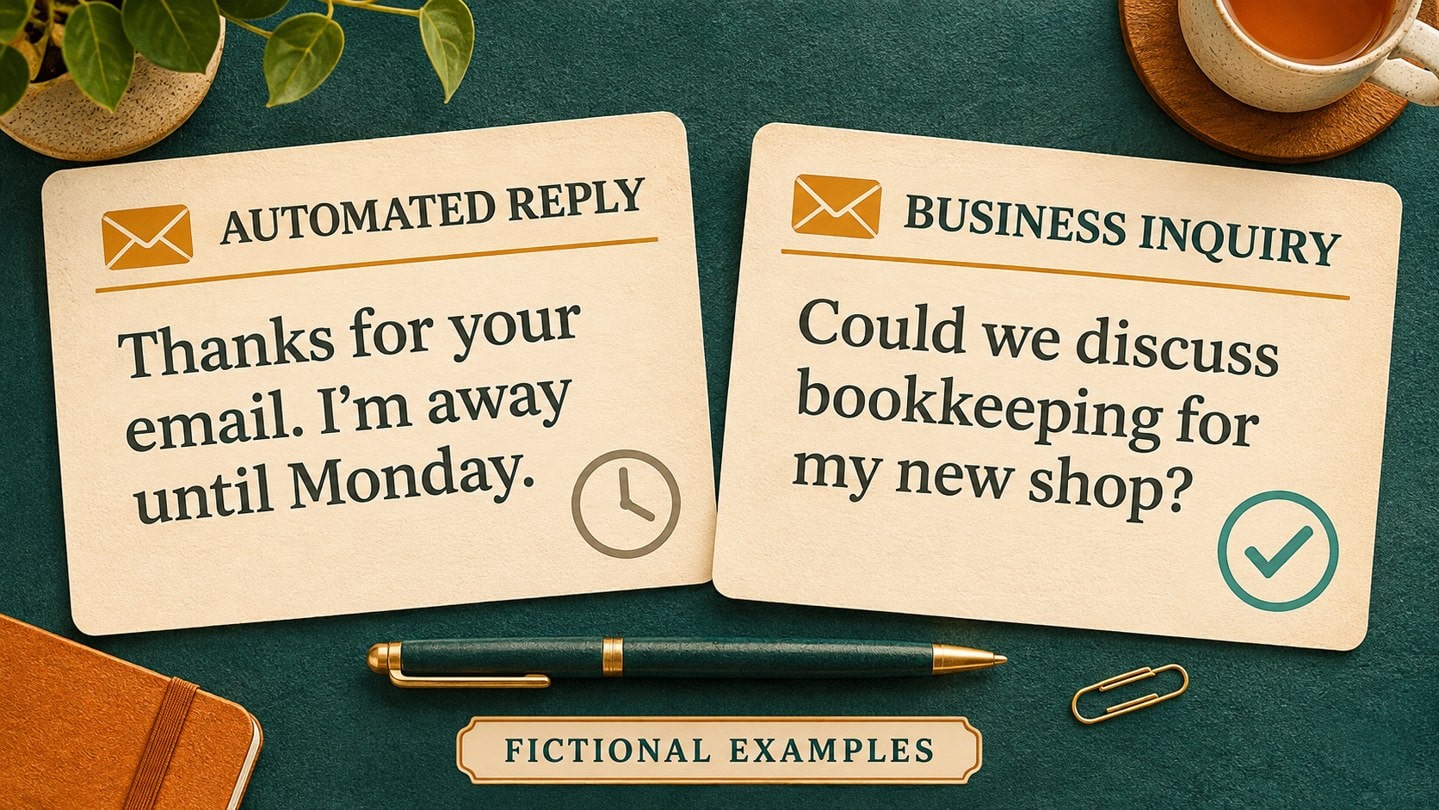
Define the categories plainly. A thank-you can be encouraging without being a sales inquiry. An out-of-office response is not buying intent. Count each person once within each category; someone can legitimately appear in several stages as the conversation progresses.
A small list can still give you useful information
Illustrative example—not a Mediafluent client result: A bookkeeper sends a newsletter about preparing records for year-end to 500 delivered addresses. Eight people send substantive replies. Three of those people ask about paid help, two complete an introductory call, and one becomes a customer.
The two completed calls represent 0.4% of delivered addresses: 2 ÷ 500 × 100. That is a description of this fictional send, not a benchmark or a target for your business.
The practical questions are more interesting than the percentage. Were the inquiries a good fit? What did those readers need? Did the new project justify the writing, platform, and follow-up costs? A high open rate cannot answer those questions.
Neither does one customer prove the newsletter caused the sale. The reader may already know the bookkeeper through a referral. Record that context rather than giving the email credit for the entire relationship.
Connect the email to the next action
Use a consistent campaign label in your email report, inquiry records, and sales notes. A spreadsheet is enough to begin. Record the send date, topic, delivered count, relevant replies, qualified inquiries, completed calls, and eventual sales.
For website links, Google’s campaign URL guidance explains how UTM tags identify traffic sources and campaigns. For example, use utm_source=customer_newsletter, utm_medium=email, and utm_campaign=year_end_records on the link to your relevant page.
Tags label incoming traffic; they do not automatically measure a completed booking or sale. Test that separately. Follow the email link through the form or booking process, confirm the completion is recorded, and check whether the campaign information survives the journey.
For direct replies or phone inquiries, add a short note manually. Ask what prompted the person to reach out, without assuming the newsletter was the only influence. Some readers will return later or use another device, so your records will be useful rather than exhaustive.
Run a practical test over your next three sends
- Keep the audience and purpose reasonably consistent. Use your subscribed audience and choose one business problem to explore. Avoid changing everything at once.
- Give each email one main action. Invite a reply to a specific question or point readers to a relevant offer. Make the benefit clear.
- Use the same review window. For example, review initial responses after seven days for each send, then update sales outcomes over your normal sales cycle.
- Review the actual inquiries. Separate automated replies, general feedback, and requests for help. Check whether booked calls happened.
- Compare counts and context. With a small list, one extra inquiry can move a percentage noticeably. Treat early differences as clues to investigate, not a statistically proven winner.
Use the results to choose what to change
If readers ask useful questions but rarely inquire about your service, examine the connection between the content and the offer. If inquiries fit but calls do not happen, check scheduling and follow-up. If clicks appear healthy but there are no verified actions, test the destination page and tracking before celebrating the report.
Mediafluent’s email and visibility services connect messaging, landing pages, and automation. If you would like help making those pieces measurable, book a 15-minute conversation about what your next newsletter should accomplish.