
A custom furniture shop needs to show its work, explain how commissions work, and help people request a quote. A training company might need to publish lessons, enroll customers, and give them a place to log in. Both need a website. They’re paying for very different jobs.
If your business needs a handful of pages, occasional updates, and a clear way for customers to call, book, or request a quote, we’d start with a simple HTML/CSS website. If your team will publish often or you need to run a store, community, or course on the site itself, WordPress is worth a closer look.
All websites, including WordPress sites, send HTML to the browser. Here, a simple HTML/CSS site means the public pages are published as files. They can use a little JavaScript or connect to another service without running a WordPress installation to serve those pages.
When a simple site is the better fit
Think about the last time a good prospect looked you up. What did they need to see before they felt comfortable calling? Usually it’s what you do, who you serve, examples of your work, and what happens when they get in touch. If that’s the job, a few well-designed pages can cover it.
A simple site can still have a quote form, a booking link, a portfolio, or a button that sends buyers to a hosted checkout. The service you connect handles that task. If you already take appointments or payments elsewhere, there may be no reason to rebuild that workflow inside your website. Test the whole journey on a phone, including the handoff.
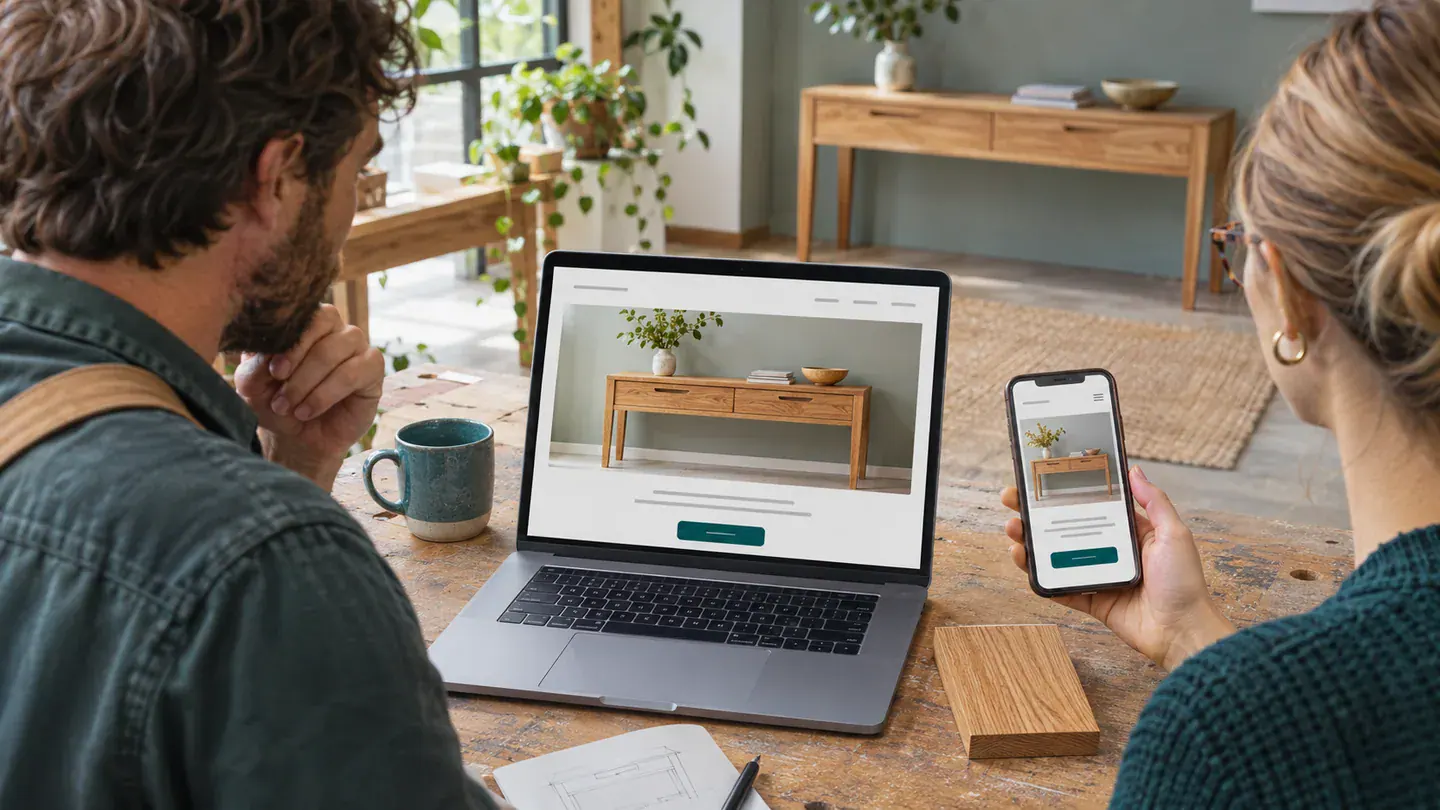
The main trade-off is editing. Unless your setup includes an editor, changes usually go through whoever maintains the site. That may be fine for a team that revises its services a few times a year. If staff need to publish new listings or change offers every week without waiting for help, an editor can be worth paying for even if you never blog.
When WordPress earns its keep
WordPress makes more sense when the website is part of how your team works. It gives people a shared place to edit and publish. Plugins can add features when the site itself needs to handle more of the customer experience.
- Regular publishing: Your staff want to manage articles, case studies, listings, or resource pages in one place, with their own logins and editing permissions.
- A store on your site: You want to manage a catalog, checkout, orders, and inventory in WordPress with WooCommerce. If you only sell a few products or already use a hosted store, linking to it may be enough.
- Member or student accounts: You want people to sign in, access member content, take lessons, or participate in a community on your site. Compare the WordPress plugins and day-to-day administration with a dedicated platform before committing.
Choose based on work you expect to do. A blog that hasn’t made it into your marketing plan doesn’t need to be in your website budget. A course your team plans to launch in six months should be part of the decision today.
What changes with speed, security, and upkeep?
Speed: A site that serves ready-made pages can avoid generating them for each uncached request. But oversized photos, autoplay video, or heavy scripts can slow down either kind of site. A well-built WordPress site with good hosting, caching, and optimized images can be fast. Compare the pages customers will actually use on mobile. Google’s web performance guide explains what can delay the main content, and Google Search Central makes clear that good page experience scores don’t guarantee top rankings.
Security: A static site without a public admin login or application database has fewer components of its own to protect. Its hosting account, domain, form service, and third-party scripts still need attention. With WordPress, there’s also the application and any themes and plugins you install. WordPress’s security handbook recommends keeping those components current and planning for recovery.
Upkeep: A simple site can remove WordPress, theme, and plugin updates from the routine. Someone still needs to keep a recoverable copy of the site, renew the domain and hosting, check links, and make sure a test inquiry reaches the right inbox. For WordPress, also budget for updates, backups, and a check that important tasks still work after changes. If you buy managed hosting or a care plan, ask exactly which of those jobs it covers.
Three questions to answer before you pay for a build
- What should a visitor do? Write down the main action: request a quote, book a visit, buy a product, or sign in. Make sure your proposed site handles that action all the way through.
- Who will change the site, and how often? Name the person responsible for edits. Compare the cost of occasional help with the time your team would save by publishing directly.
- What will you need in the next 6–12 months? Separate work that’s on the calendar from ideas you might pursue. Compare first-year costs, including hosting, paid tools, and update support. Ask who controls the domain and what you can take with you if you switch.
Two ways Mediafluent can build a simpler site
If a template fits, 247iMarket.com is our low-cost option for a template-based business website. It’s a good starting point when you know what you want customers to see and do and can work within an existing layout.
If you need a layout or message tailored to your business, Mediafluent can build a custom HTML/CSS site using AI to assist with production. Our team shapes the copy and design and checks that the site works on mobile and that key actions, such as submitting an inquiry, work as intended.
Bring your current site or a short list of what you want the new one to do. Book a free 15-minute conversation with Mediafluent and we’ll help you decide what to build now and what can wait.