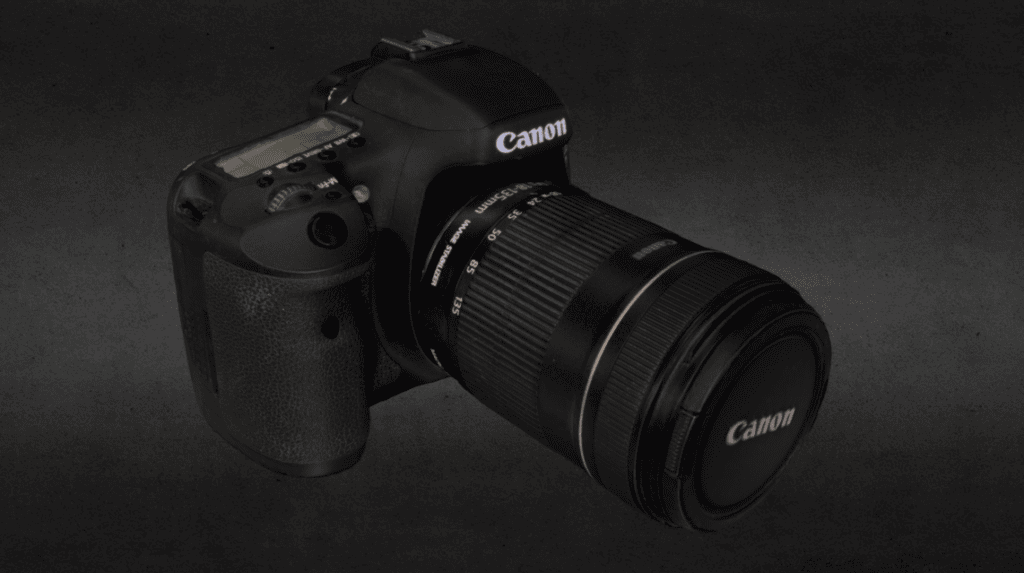
We think one of the great uses of 3D and VR is 3D for your website store. It enables visitors to get a really good look at the product, move it around, check it out from different angles, and zoom in closer to inspect details. Plus it looks great when the product is displayed in real 3D.
When is a 3D product model worth the cost?
Start with a question buyers are already asking. Can I see the back? What does it look like from the side? How much space will it take up? An interactive model makes the strongest case when it answers a question that’s hard to settle with photos, a size diagram, or a short video.
- Good candidates: Furniture that buyers need to see from several angles, a fixture with mounting details, or an equipment enclosure with ports hidden in the standard photos. Start with a product that has steady traffic, enough margin to justify a test, or a recurring question that holds up sales.
- Try a cheaper option first: If buyers mostly ask how big it is, add dimensions and a photo with scale. If they need to see a part move, shoot a short demo. If they only want to see every side, a 360-degree photo spin may be enough. Save room preview with augmented reality (AR) for products where placement or fit matters.
Get a quote that separates the model, setup, and ongoing costs. Include photography or scanning, work to clean up the model, additional finishes or sizes, viewer fees, testing, and updates when the product changes. Ask which source files you’ll receive and whether you can reuse them on another platform.
Do the break-even math before you buy. Suppose a pilot costs $1,800 in its first year and each additional order the customer keeps contributes $60 after variable costs. The pilot needs 30 additional kept orders to cover its cost if sales are the only benefit. Use your own numbers. If you also expect fewer returns, count only the savings you can track, and avoid counting benefits already captured in the order contribution.
What implementation actually involves
- Pick one product and one question. Write down what the viewer must reveal. Collect dimensions, examples from several angles, and a physical sample or CAD files if available. Decide whether different finishes can share a model and which sizes need separate geometry.
- Build and check the model. Photogrammetry uses overlapping photos to reconstruct an object. Clean CAD or manual modeling can be a better starting point for reflective or transparent products. Check the finished model against the actual product for scale, shape, materials, and the details buyers need to inspect. Shopify’s modeling guide shows what to check before delivery.
- Choose how the viewer fits your store. Shopify supports GLB and USDZ for product media when your theme supports 3D. For WooCommerce, check that your viewer or gallery extension works with your theme and the product options you sell. An existing site can also embed a hosted viewer or use an option such as <model-viewer>. Confirm file requirements, hosting fees, and whether the viewer loads only when needed. AR is a separate choice; if you offer it, verify device support and real-world scale.
- Keep the product page useful without 3D. Start with a regular product photo and a clear “View in 3D” control where the viewer supports it. Keep dimensions, finish details, and buying controls available without the model. Test a slower mobile connection, touch and keyboard controls, and what happens if the model doesn’t load.
Run a small pilot before expanding
Add 3D to one or two products and pick a result tied to the original question: completed purchases, fewer questions about fit, or fewer returns for a specific reason. Check page speed and track viewer usage to learn whether shoppers find it. If you have enough traffic, compare the same page with and without the viewer in a split test; shoppers who choose to open 3D may already be more interested. If traffic is low, compare similar periods, ask buyers whether it answered their question, and treat the results as directional.